DCA Finance / Your contribution plan
Plan your DCA contributions. Keep your budget in view.
Bring income, expenses and regular investment contributions into one dashboard. Check payment dates, cash reserves and changes to your plan before putting them into practice.
Free to use without registration. An account is optional for sync.
01 / The dashboard
Your budget and DCA contribution plan.
See whether a regular investment contribution fits your cash flow. Keep actual transactions separate from the plan, check the balance before payday and try changes without applying them immediately.
Explore the dashboardYour actual cash
Record income, expenses and investment contributions. Keep a clear starting balance and a dated transaction ledger.
Payment dates
Read the projected balance on a chart and open a calendar day to see scheduled amounts.
A reserve and a trial plan
Compare reserve targets and test a delayed paycheck, lower income or higher expenses before applying changes.
What is DCA, and why plan the cash first?
Dollar-cost averaging, or DCA, means investing a set amount on a regular schedule. You might put part of each paycheck toward a monthly asset purchase. The same contribution buys different quantities as prices change. A schedule gives you a repeatable process; it does not guarantee a profit or prevent losses when the asset falls.
A contribution also needs to fit your bills. A positive monthly balance does not mean cash will be available on every payment date. The DCA Finance dashboard connects recurring contributions to income and expenses, so you can see the cash left between payments.
Use it when you are starting a regular investment plan, reviewing an existing contribution or checking how a change in income would affect your budget. Start with your current balance, monthly amounts and payment dates. You can explore an example before entering your own figures.
02 / Working with your plan
How to use the DCA Finance dashboard
Set your starting point
Choose an accounting currency, opening date and cash balance. Record actual income, expenses and investment contributions in the ledger. Planned payments and recorded transactions remain separate, so a scheduled contribution is not treated as money already invested.
Give your payments a date
Enter monthly income, expenses and your DCA contribution, then set their payment days. The chart shows projected cash movements; the calendar gives the amounts for a selected day. The current model uses one monthly total for each of income, expenses and contributions.
Check the room in your budget
Review the lowest cash balance and your reserve target. Try a delayed paycheck, lower income or higher expenses. Compare a trial with the original plan, then cancel it or apply the changes after reviewing the result.
See how much cash remains after a contribution
Suppose monthly income is $3,000, expenses are $1,800 and the planned investment contribution is $300. The difference is $900. That is the remaining cash in this monthly plan before other transactions, not an investment return.
Next, check the dates. If bills leave your account before payday, a positive monthly difference can still hide a temporary cash shortfall. Use the calendar and chart to check a different contribution amount or payment day before changing your plan.
At $1,800 of monthly expenses, a six-month reserve target is $10,800. The dashboard compares that target with your cash balance. An appropriate reserve and contribution depend on your circumstances; the tool shows the arithmetic of the plan you enter.
Cash planning, projections and historical purchases
Each task needs different inputs. Choose the tool that answers your question:
Budget and DCA contribution dashboard
Check when money arrives, whether cash lasts until the next payment and how a contribution affects your balance. Use the ledger, payment calendar, reserve target and stress scenarios.
Recurring investment calculator
Explore a possible future balance using contributions, a time horizon and an assumed return. You enter the rate; this is an illustrative projection without historical market prices.
Historical DCA backtest
Replay regular Bitcoin or other supported crypto purchases over a past period using available provider prices. Save the result with its inputs and price series so it can be checked again.
03 / A quick first check
Check the contribution against your budget.
A contribution has to fit the rest of your month. Put income, expenses and a planned investment side by side.
The starting figures are an example. Change them to your own amounts. This calculation does not save your data.
Built for your next question
Useful by design.
Two languages
Explore the tools and explanations in English or Russian.
Start with a calculation
Open a public calculator and explore a scenario without creating an account.
Change the assumptions
Adjust the parameters to the question you are working through.
Look behind the result
Read how a calculation works and where its limitations begin.
04 / Supporting tools
Crypto & investment calculators.
Use the dashboard to plan your cash flow. Use a separate calculator when you need to explore returns, staking, trading risk or purchasing power.
DCA calculator
Project contributions over time using an annual return you enter.
Staking calculator
Estimate rewards from an APR, investment period and compounding schedule you enter.
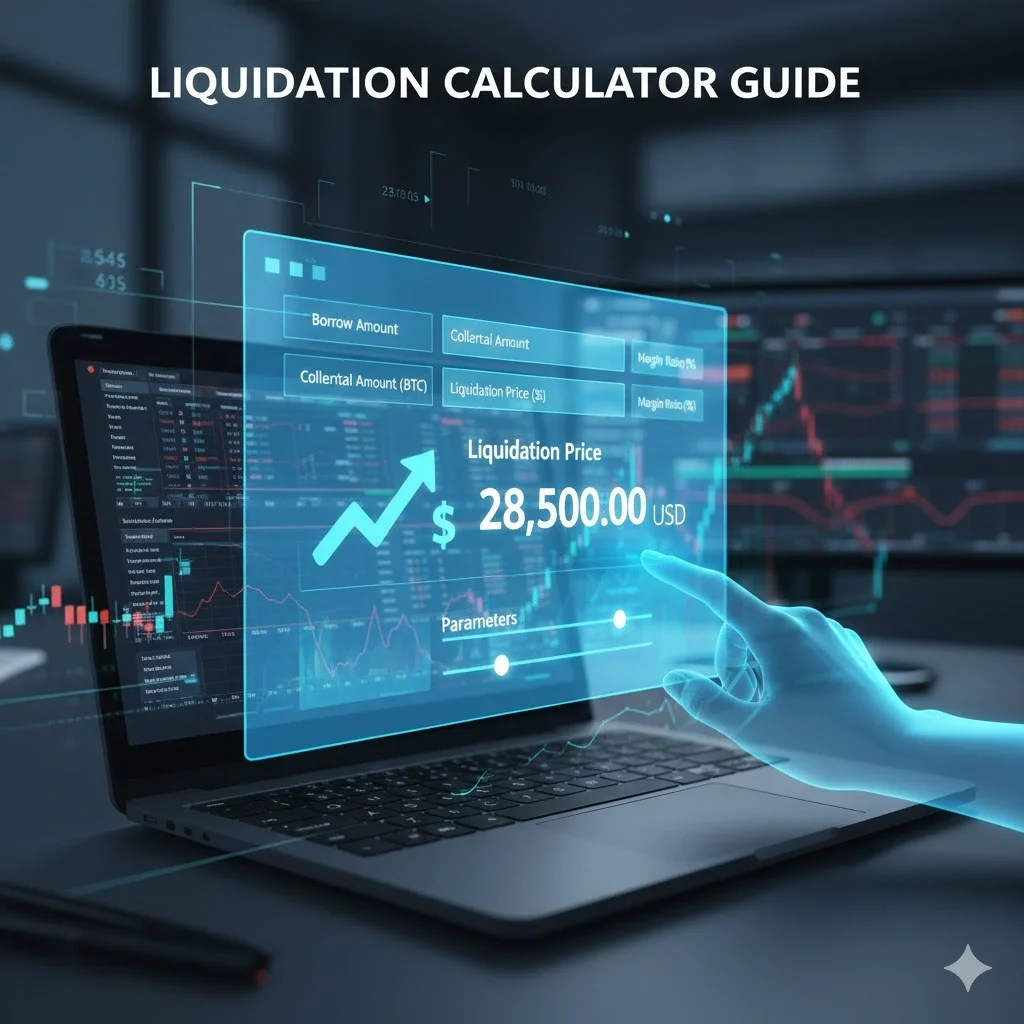
Liquidation calculator
Explore liquidation prices and how leverage changes your exposure.
Impermanent loss calculator
Compare liquidity pool outcomes with holding the same assets.
Mining calculator
Subtract electricity costs and pool fees from the mining revenue you enter.
Inflation calculator
See how a change in purchasing power affects a future amount.
05 / The journal
Crypto, DeFi & risk. Read beyond the result.
Go beyond the result. Read the assumptions, the risks and how the calculations work.


Questions about the dashboard and regular investing
Is the dashboard free? Do I need an account?
The dashboard, calculators and explanations are free. A guest plan is saved in your browser without registration. An optional free account lets you sync your plan between devices. You can explore an example or a public calculation without signing in.
Does the dashboard track the market value of my Bitcoin portfolio?
The dashboard includes a “DCA portfolio” tab where you can manually record or import confirmed asset buys and sells from CSV, track your average cost basis and fees, and value holdings at the latest CoinGecko USD quote. It does not connect to exchange accounts automatically. Use the separate historical DCA backtest to explore hypothetical past purchases.
Which currencies can I use?
Cash plans support USD, EUR, RUB and GBP. Each plan uses a single accounting currency; amounts are not automatically converted between currencies. The historical crypto backtest uses USD prices.
How do I work out a recurring investment amount?
Start with income, essential expenses, payment dates and a reserve. Then test a contribution on the cash chart and in a stress scenario. The tool shows the consequences of the amount you enter; it does not choose an asset or decide your risk tolerance.
Can I save a plan and share a result?
Guest data stays on the current device. JSON export provides a backup, and an optional account provides sync. A public cash-scenario link shares its parameters rather than your private ledger entries. The historical backtest has a separate saved snapshot containing inputs and the price series used.
Where do historical prices come from, and can I check them?
The historical backtest uses available CoinGecko prices. History depth depends on provider access. A data manifest reports coverage and the age of prices used; saved links retain the original series. You can export the purchase log as CSV and source data as JSON. The current backtest excludes fees, taxes and slippage.
Can I discuss a plan with an AI assistant?
Buttons above the results open ChatGPT, Gemini, Claude, Grok, Perplexity or Codex with a prompt, or copy the displayed context for you to paste. They do not grant screen, account or private-ledger access. Compatible clients can use the public MCP server. Third-party AI features depend on your own account.
Will the service buy crypto for me?
No. DCA Finance helps you plan cash and check calculations. A scheduled contribution is not an exchange trade, and past performance is not a promise of future returns. You decide whether and how to make a purchase.
A result you can inspect
Keep the assumptions visible.
The cash-flow plan models money movements; the separate portfolio values recorded holdings using the displayed dated quote. The investment projection uses an assumed return; the backtest uses historical provider prices. Each has its own inputs and limits. Read the method and inspect the result before using it in your plan.
How the calculations work